Your print shop, on autopilot
One system from quote to cash. Watch an order move through your shop — every stage below is automated.
One record, zero re-typing — the same order flows through every screen. Click any stage to jump.
The Print ERP is for you if…
- — You run actual production: presses, DTG, large format
- — Orders currently live in spreadsheets and inboxes
- — Quoting, jobs and invoicing sit in separate tools
- — You want real accounting, not a monthly CSV export
Selling customized products online?
The ERP runs your back office. If customers should also design products in your storefront — text, photos, AI art, 3D preview — that's our first product, the Product Personalizer. Add it and every designed order lands here print-ready.
Explore the PersonalizerInside the back office
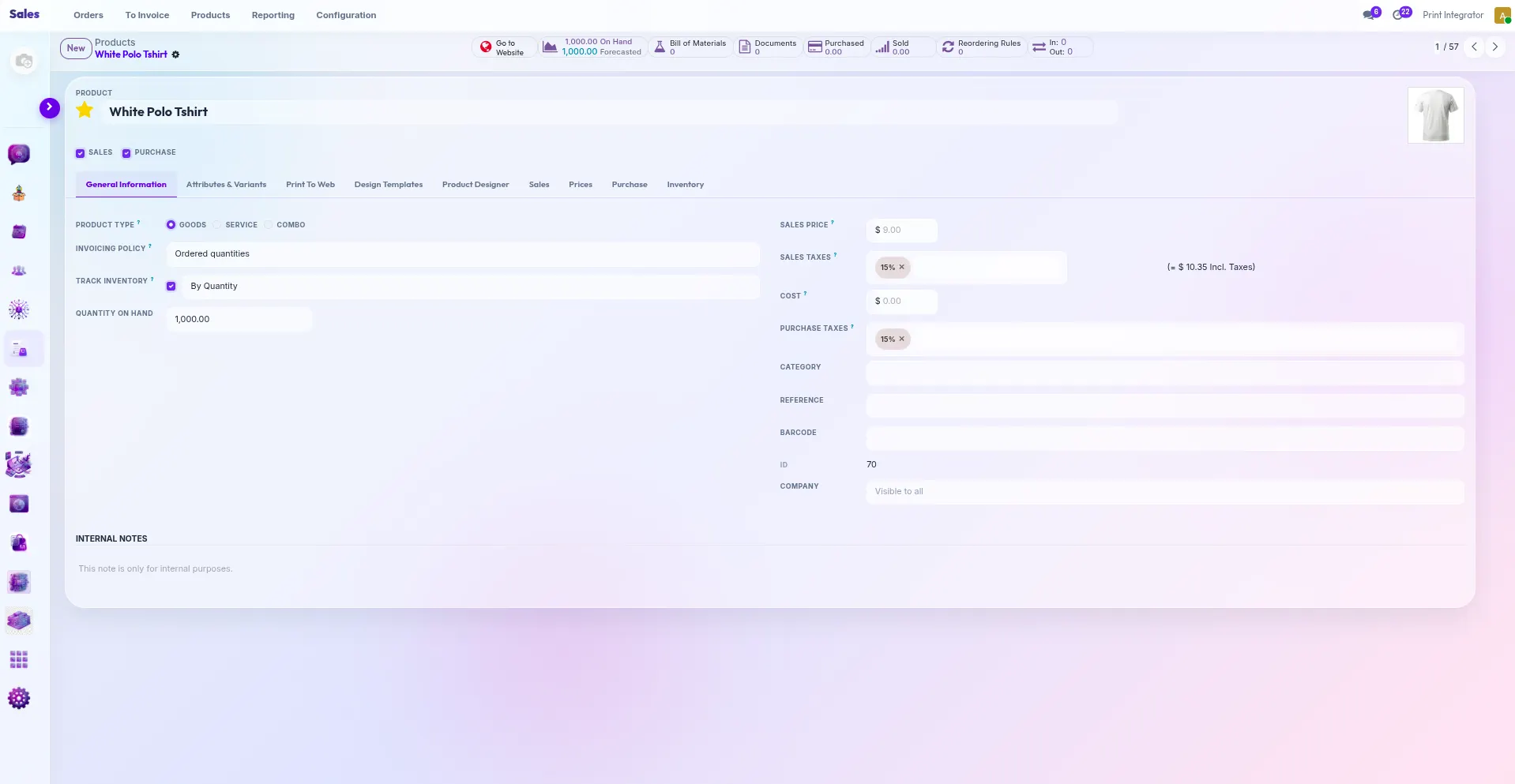
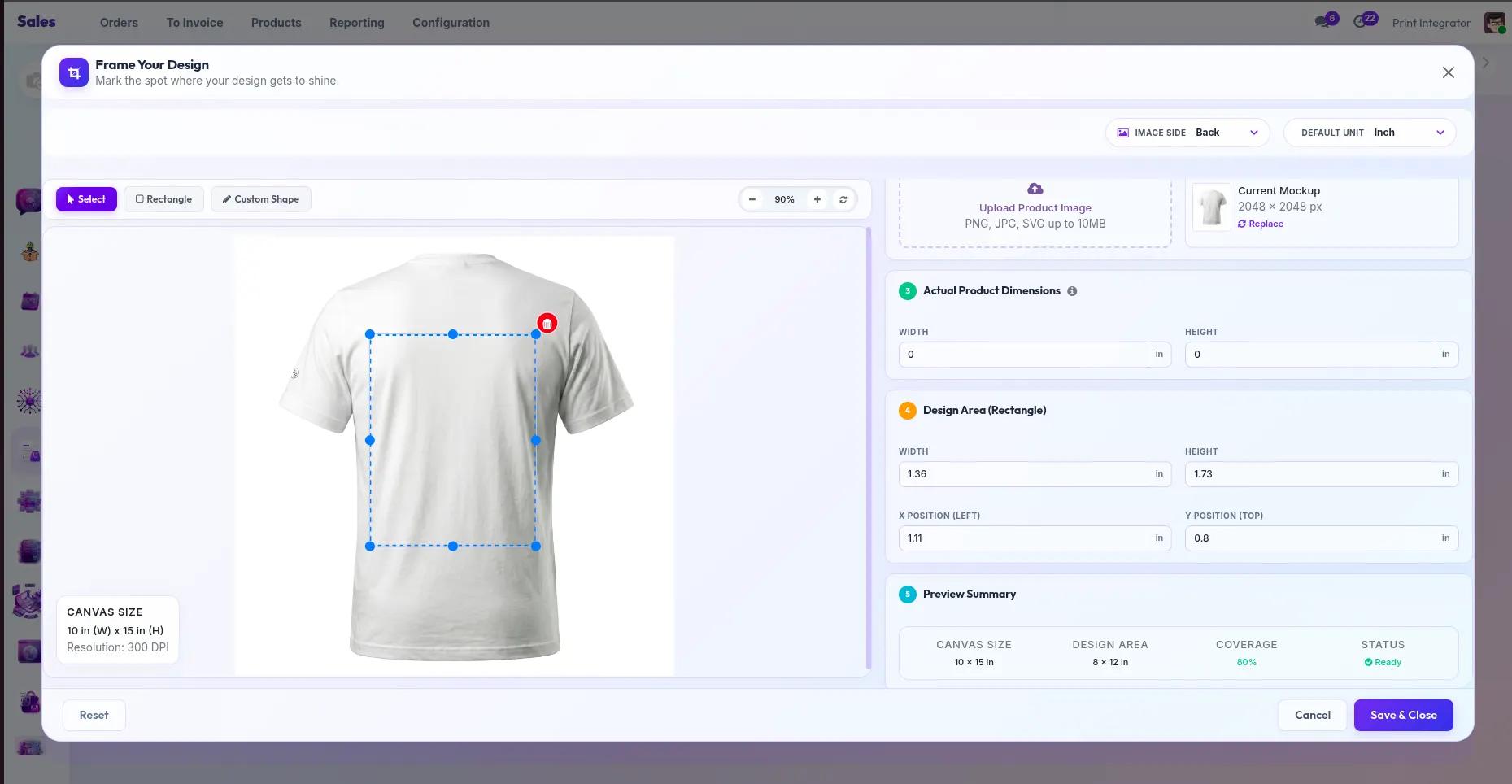
Real screenshots of the PrintIntegrator back office — product setup, templates and personalized sales orders.
100+ business apps. One login.
Purpose-built for print businesses on an enterprise-grade, open-source core. Start with what you need, switch on the rest as you grow.
Orders & Quoting
Web orders, phone orders and repeat jobs in one queue with instant, rule-based pricing.
CRM
Every customer, quote and conversation tracked — with automated follow-ups that win repeat work.
Production (MRP)
Job tickets, work centers, scheduling and capacity planning tuned for print workflows.
Inventory
Substrates, inks and blanks tracked in real time with reorder rules — never miss a deadline for stock.
Invoicing & Accounting
Invoices, payments, taxes and full double-entry accounting generated from each order.
Analytics
Margin per job, on-time rate, machine utilization — the numbers that actually run a shop.
Cloud or self-hosted
Managed cloud on our infrastructure, or self-host with Docker on yours. REST API and webhooks for anything custom. Your data, your choice.
Feeds straight from your storefront
Pair with the Product Personalizer and every customized order arrives print-ready — artwork, specs and pricing included. No re-typing, no lost jobs.
Replace five tools with one — for $500/month
Shops typically pay separately for quoting, a job board, inventory, invoicing and accounting — often thousands a month combined. PrintIntegrator is all of them, connected, at one flat price.